Requirements
Current versions of CADprofi/CP-Symbols are compatible with:

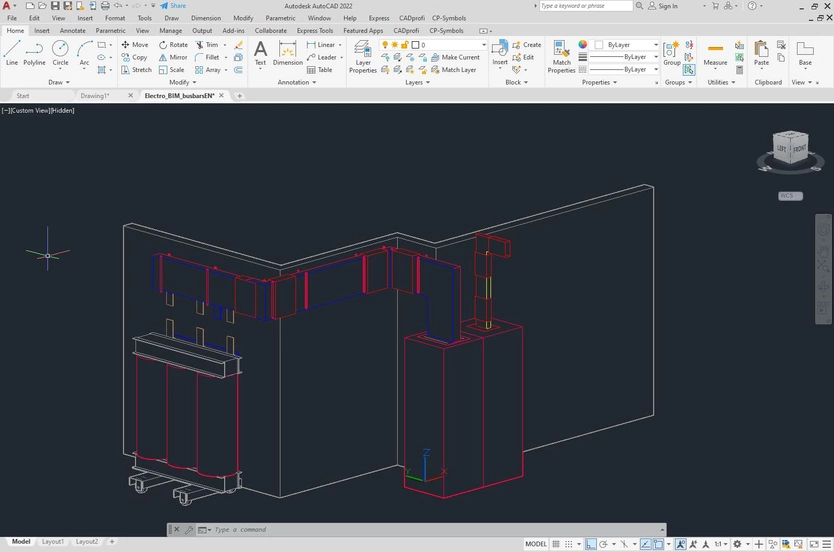
- AutoCAD (32bit) 2010 - 2014, (64bit) 2010 - 2027
- AutoCAD Architecture (64bit) 2010 - 2027
- AutoCAD Mechanical (64bit) 2010 - 2027
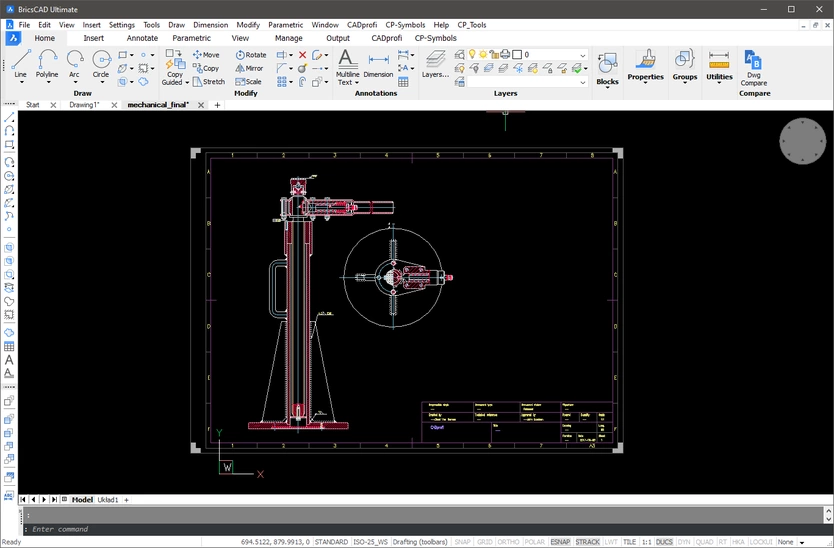
- BricsCAD (64bit) V14 - V26 Professional / Ultimate
- BricsCAD (64bit) V16 - V26 BIM / Mechanical
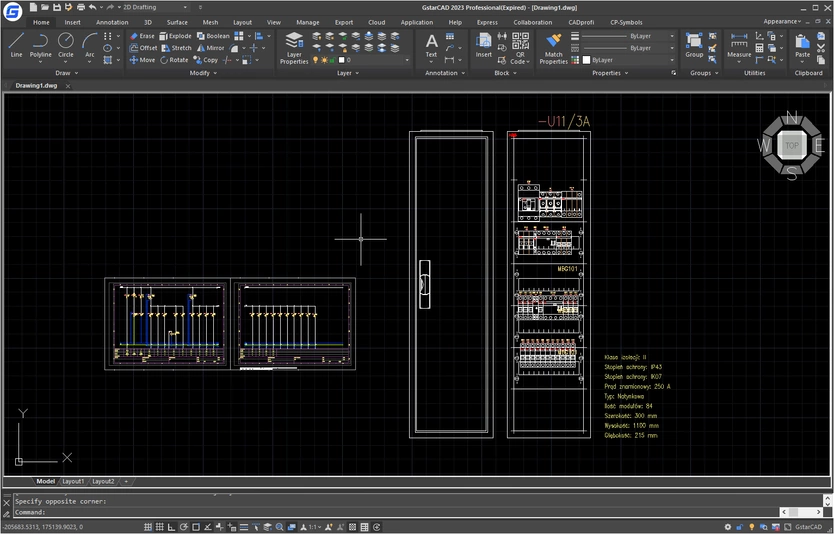
- GstarCAD (32bit) 2016 - 2018, (64bit) 2019 - 2027 Std/Pro/Plus*
- GstarCAD Architecture (64bit) 2019 - 2021
- GstarCAD Mechanical (64bit) 2019 - 2026
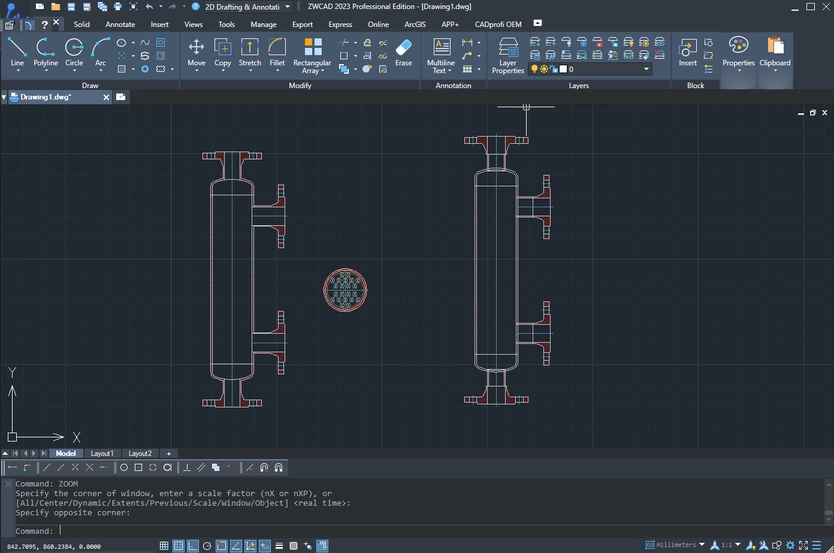
- ZWCAD (64bit) 2017 – 2026 Professional**
- ZWCAD Architecture (64bit) 2017 – 2026
- ZWCAD Mechanical (64bit) 2017 – 2026
- ZWCAD+ (32bit) 2015 Professional**
*) We recommend Professional versions.
**) CADprofi/CP-Symbols works only with the Professional version.
ZWCAD Standard is not supported by CADprofi/CP-Symbols.
Additionally our programs work with:
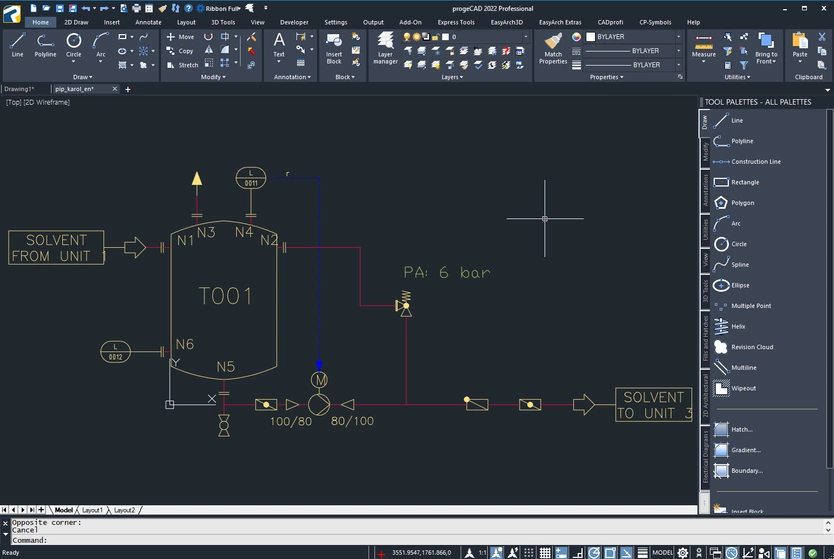
- progeCAD (64bit) 2019 - 2027
- 4M CAD (64bit) V19, V21, V23 - V26
- ActCAD (64bit) 2019 - 2025
- ArCADia (64bit) 10 - 15
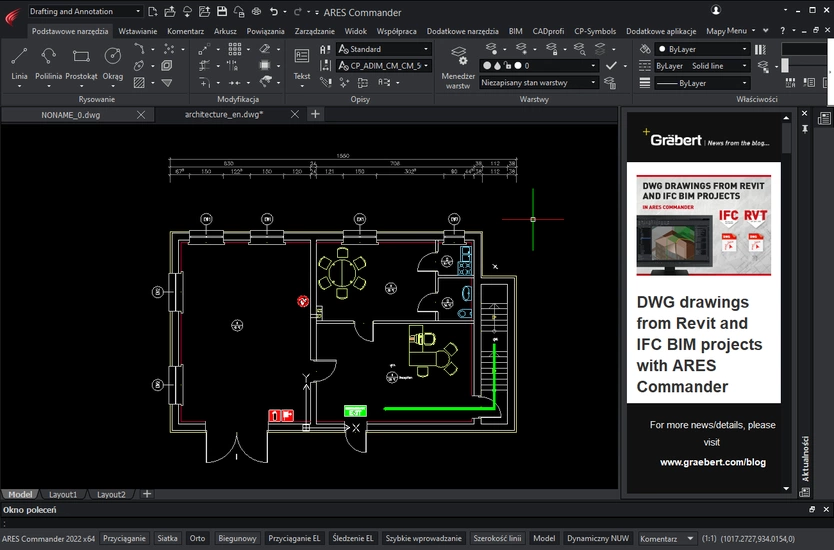
- ARES Commander (64bit) 2020 - 2027
- ARES Mechanical (64bit) 2024 - 2027
- ARES Standard Edition (64bit) 2020 - 2027
- AutoCAD LT (64bit) 2010 - 2019*
- AviCAD (64bit) 2019 - 2027
- BricsCAD (64bit) V14 - V26 Classic/Lite**
*) only with optional software **) We recommend Professional versions.
- CADdirect (64bit) 2022 - 2026
- CADian (64bit) 2020 - 2026
- CADMATE (64bit) 2020, 2022, 2025
- CADopia (64bit) 21 - 25
- CMS IntelliCAD (64bit) 8.3 - 14
- enjiCAD (64bit) 2025 - 2026
- IBSCAD (64bit) 2018 - 2025
- INTERsoft-INTELLICAD (64bit) 2020 - 2026
- SilicaCAD (64bit) 2021 - 2027
- TrueCAD (64bit) 2021 - 2022
System requirements:
Minimum display screen resolution: 1440×900

Customer’s needs are the priority for us:
- CADprofi applications are used by tens of thousands of users around the world. This is the reason, why we always take care to preserve full compatibility with base CAD programs and operating systems.
- Before publishing next versions of our applications, they are tested on current versions of major CAD programs.
- Due to the multitude of different versions of CAD programs (32/64 bit, older versions, different versions within one CAD program, eg national versions, Standard and Professional versions etc.) we are not able to test all functions of the CADprofi application on all available "combinations" of CAD programs.
- However, user experience has shown that the functionality of our programs is practically unchanged regardless of the selected CAD environment.
- CADprofi applications are used by tens of thousands of users around the world. This is the reason, why we always take care to preserve full compatibility with base CAD programs and operating systems.
- Before publishing next versions of our applications, they are tested on current versions of major CAD programs.
- Due to the multitude of different versions of CAD programs (32/64 bit, older versions, different versions within one CAD program, eg national versions, Standard and Professional versions etc.) we are not able to test all functions of the CADprofi application on all available "combinations" of CAD programs.
- However, user experience has shown that the functionality of our programs is practically unchanged regardless of the selected CAD environment.