Eine neue Version von CADprofi 2026.11 steht zur Verfügung. Neuerungen im CADprofi 2026.11 in Kurzform:
✓ CADprofi – Nummerierung reparieren
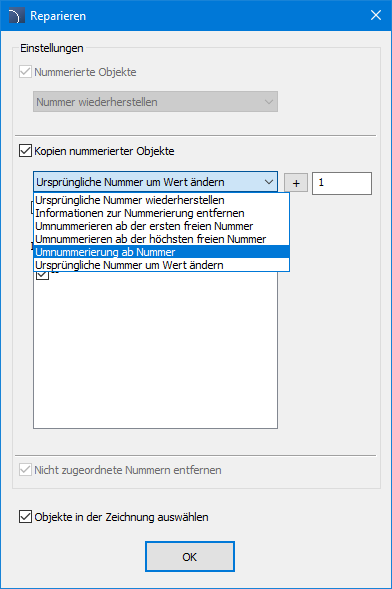
Während der Projektarbeit können Unstimmigkeiten bei der Nummerierung auftreten, z. B. nach dem Kopieren nummerierter Objekte oder dem Löschen von Objekten, während deren Beschriftungen erhalten bleiben. Die Funktion „Reparieren“ des Befehls „Nummerierung - Linien un Objekte“ ermöglicht die automatische Korrektur dieser Unstimmigkeiten.
Das neue Dialogfenster „Reparieren“ bietet die vollständige Kontrolle über die Bearbeitung der Nummerierung und ermöglicht schnelle sowie komfortable Änderungen innerhalb ausgewählter Nummernfolgen. Zusätzlich können die zu ändernden Objekte direkt in der Zeichnung ausgewählt werden. Der Benutzer kann jetzt:
- die ursprüngliche Nummer wiederherstellen,
- die Information zur Nummerierung entfernen,
- Umnummerieren ab der ersten freien Nummer,
- Umnummerieren ab der höchsten freien Nummer,
- ab einer frei gewählten Nummer umnummerieren,
- die ursprüngliche Nummer um einen beliebigen Wert ändern.
Dank der neuen Funktionen zur Reparatur der Nummerierung ist eine zeitaufwendige Neuvergabe der Nummern für alle Objekte nicht mehr erforderlich. Notwendige Korrekturen lassen sich schnell und präzise durchführen, wodurch Zeit gespart und die tägliche Arbeit deutlich effizienter gestaltet wird.
Entdecken Sie die neuen Möglichkeiten und überzeugen Sie sich selbst, wie einfach die Verwaltung der Nummerierung sein kann!

✓ CADprofi Architectural – Neue Bibliothek für "Sanitärobjekte"
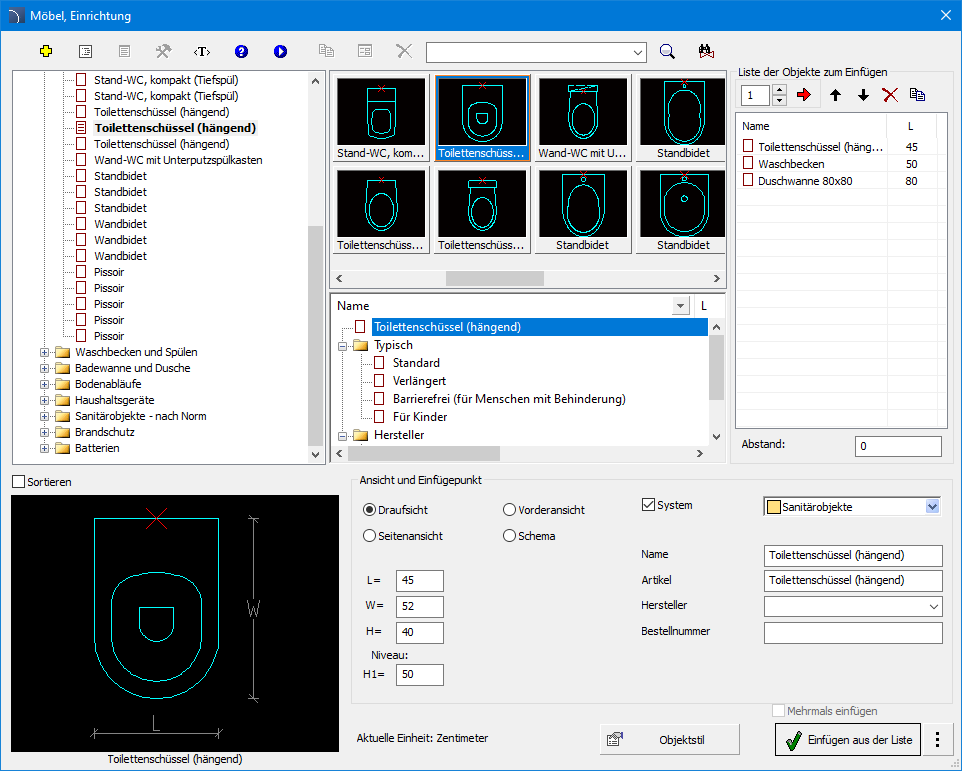
Die Bibliothek „Sanitärobjekte“ im Befehl „Möbel, Einrichtung“ wurde umfassend modernisiert, um die tägliche Arbeit von Planern und Konstrukteuren zu erleichtern.
Die wichtigsten Neuerungen:
- Zusätzliche Ansichten – Fügen Sie Objekte nicht nur in der Draufsicht, sondern auch in der Vorder- und Seitenansicht ein und profitieren Sie von maximaler Gestaltungsfreiheit.
- Einfügen aus der Liste – Platzieren Sie mehrere Objekte gleichzeitig mit einem definierten Abstand und beschleunigen Sie so die Projekterstellung erheblich.
- Symbole für Ansichten – Erzeugen Sie Symbole direkt auf Basis der zuvor in der Draufsicht eingefügten Objekte und sorgen Sie so für eine konsistente Dokumentation.
Darüber hinaus können alle Objekte der Bibliothek „Sanitärobjekte“ im Modul HVAC & Piping automatisch mit Warmwasser- (WW) und Kaltwasserleitungen (KW) verbunden werden.

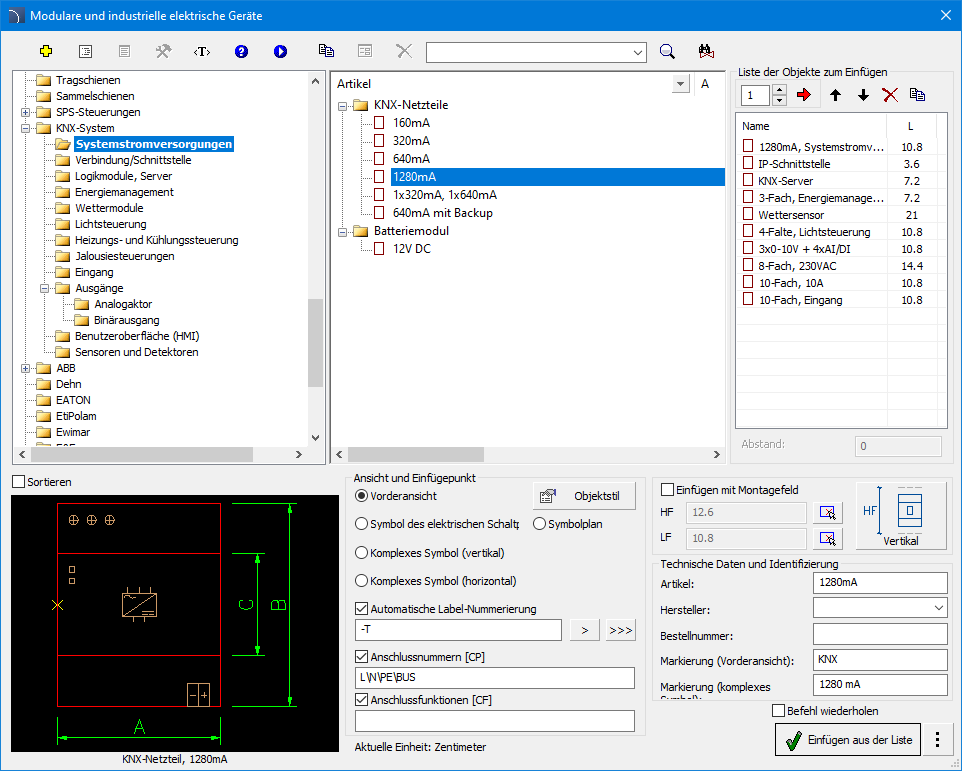
✓ CADprofi Electrical – KNX System Objekte
Der Befehl „Modulare und industrielle elektrische Geräte“ wurde um Produkte des KNX-Systems erweitert und eröffnet Planern damit noch mehr Möglichkeiten im Bereich der Gebäudeautomation. Den Anwendern steht nun eine breite Palette an Komponenten des KNX-Systems zur Verfügung, darunter:
- Systemspannungsversorgungen,
- Verbindungen und Schnittstellen,
- Logikmodule und Server,
- Lösungen für das Energiemanagement,
- Wettermodule,
- Komponenten zur Steuerung von Beleuchtung, Heizung
und Kühlung, - Jalousiesteuerungen,
- Ein- und Ausgangsmodule,
- Benutzeroberflächen (HMI),
- Sensoren und Detektoren.
Die neuen Geräte wurden außerdem in den Assistenten für Energieverteilungsschemata integriert. Dadurch wird die Planung von Installationen mit KNX-Technologie noch komfortabler und umfassender.

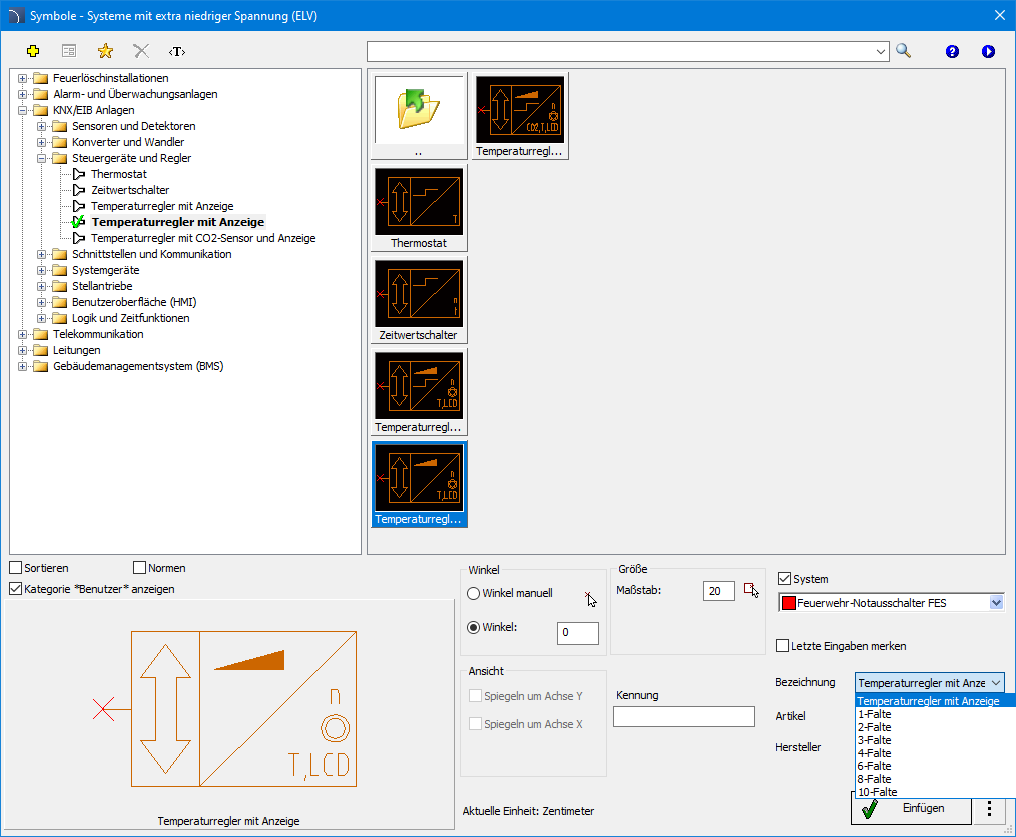
✓ CADprofi Electrical – KNX system symbols
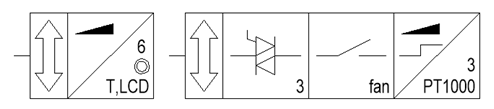
The KNX System library, available in the Symbols – Estra-low-voltage (ELV) systems command, has been refreshed to improve the design process. Users now have access to an expanded set of KNX System components.
The new symbols are not only a significantly richer library of elements, but also include a range of improvements that enhance workflow comfort. Each symbol has been equipped with customized sets of controls, clear data tables, and the ability to quickly edit attributes directly from the dialog window.
All symbols comply with current design standards, making the documentation more readable and professional.
Additionally, a new KNX category has been added to the Symbols – IEC, NFPA command, where both vertical and horizontal symbol versions are available.


✓ CADprofi Electrical – Neue Zeichenmodi im Schema Generator
Der Schema Generator wurde um neue Zeichnungsmodi erweitert, die für Zeichnungsblätter im Format A3 und A4 verfügbar sind.
Die neuen Zeichnungslayouts ermöglichen eine noch effizientere Nutzung der verfügbaren Arbeitsfläche, sodass die Anzahl der benötigten Zeichnungsblätter deutlich reduziert werden kann. Das spart nicht nur Papier, sondern erleichtert auch die Verwaltung der Projektdokumentation.
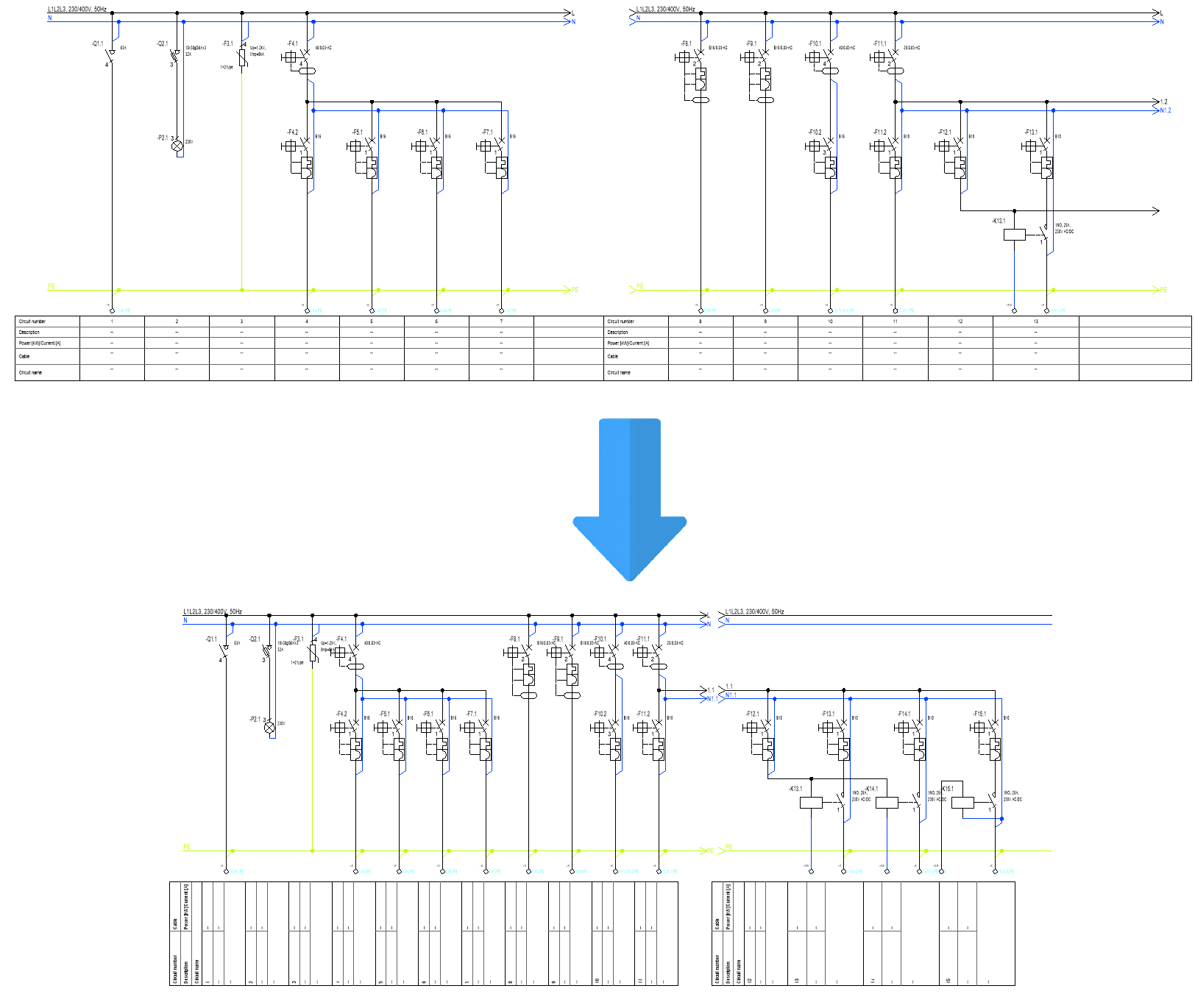

The illustration shows that the previous layout accommodated
7 circuits, while the compact layout accommodates 11.
✓ CADprofi Electrical – Feuerwehr-Notschalter
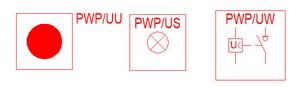
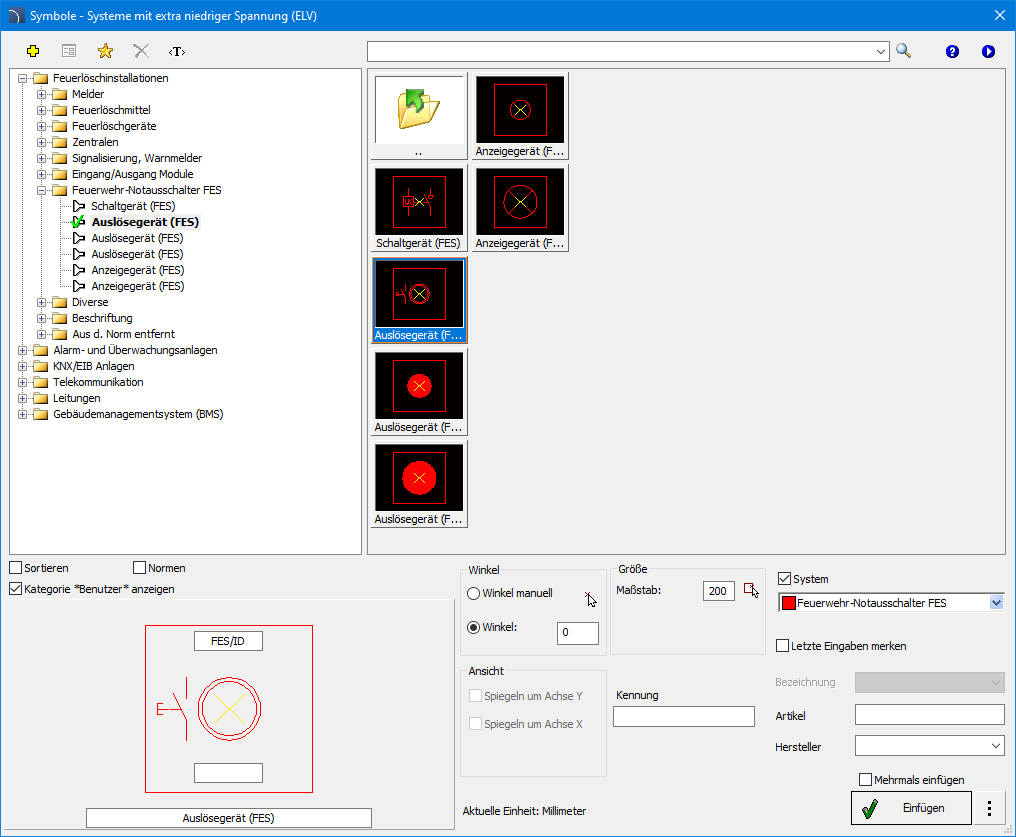
Der Befehl „Symbole – Systeme mit extra niedriger Spannung (ELV)“ wurde um eine neue Produktgruppe erweitert – Feuerwehr-Notschalter (FES). Diese Erweiterung bietet Planern zusätzliche Möglichkeiten bei der Planung von Brandschutzsystemen und erleichtert die Anpassung der Projektdokumentation an die aktuellen Anforderungen und Standards des vorbeugenden Brandschutzes.
Im Rahmen der neuen Bibliothek stehen den Anwendern folgende Komponenten zur Verfügung:
- Auslösegeräte,
- Schaltgeräte,
- Anzeigegeräte.


✓ CADprofi HVAC & Piping – “ISO-Symbole” Bibliothek
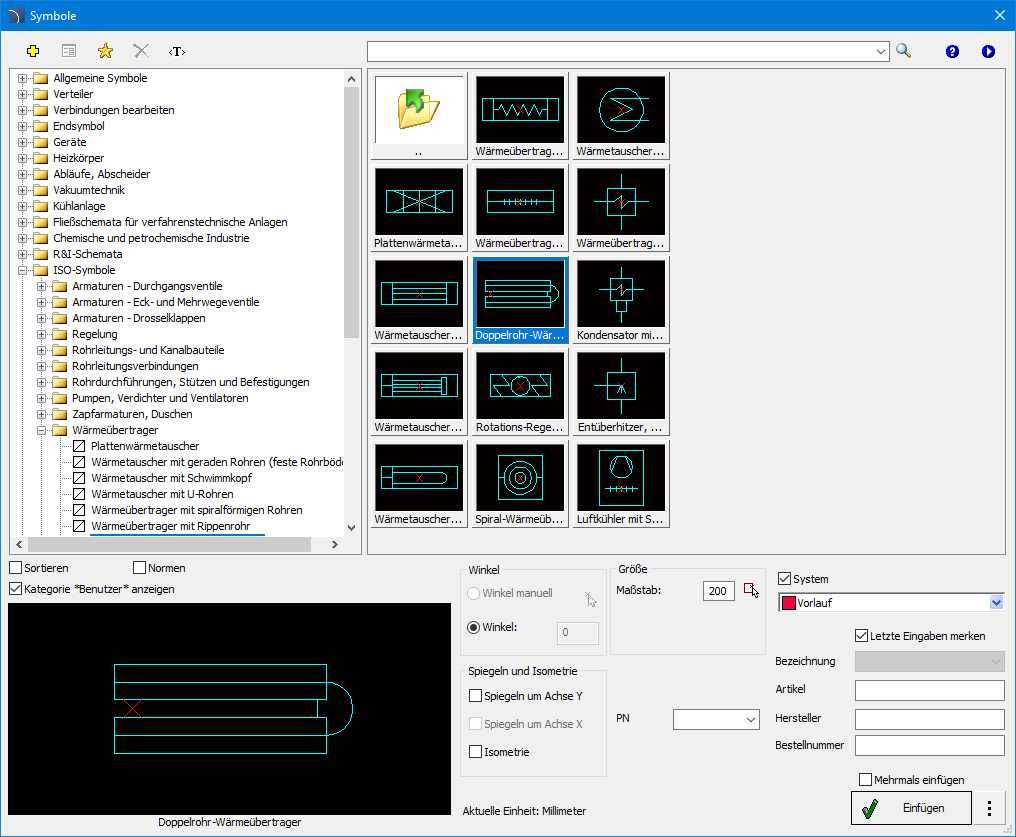
Der Befehl „Symbole“ wurde um die neue Kategorie „ISO-Symbole“ erweitert. Sie enthält eine ausgewählte Sammlung von Symbolen für allgemeine Schaltpläne und Verfahrensfließbilder. Die auf der Norm ISO 14617 basierenden Symbole umfassen unter anderem:
- Durchgangs- und Eckventile sowie Absperrklappen,
- Sensoren und Regelelemente,
- Rohrleitungs- und Kanalbauteile,
- Rohrdurchführungen, Stützen und Befestigungen,
- Pumpen, Verdichter und Ventilatoren,
- Wärmetauscher,
- Behälter und Speicher,
- ausgewählte Elemente von Brand- und Explosionsschutzsystemen,
- Symbole für verfahrenstechnische Prozesse.
Darüber hinaus wurde die gesamte Symbolbibliothek übersichtlicher strukturiert. Die Symbole sind nun thematisch gruppiert, wodurch ihre Auswahl intuitiver und deutlich schneller erfolgt.

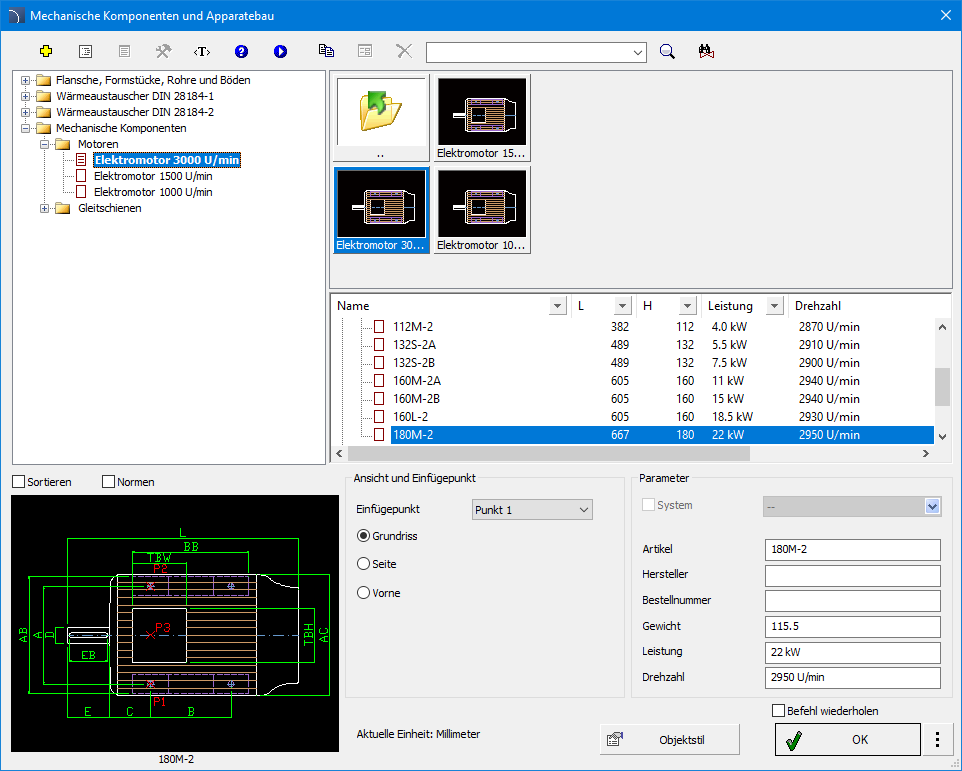
✓ CADprofi Mechanical – “Mechanische Komponenten und Apperatebau” Befehl
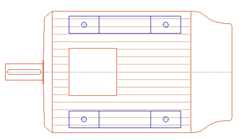
Der Befehl „Mechanische Komponenten und Apperatebau“ wurde um eine neue Bibliothek mechanischer Komponenten erweitert. Die neue Bibliothek umfasst unter anderem:
- Elektromotoren mit 3000 U/min,
- Elektromotoren mit 1500 U/min,
- Elektromotoren mit 1000 U/min,
- Motorschlitten.
Den Anwendern steht eine große Auswahl an Motorausführungen zur Verfügung, darunter:
- Fußmotoren (B3),
- Flanschmotoren (B5 und B14),
- Fuß-/Flanschmotoren (B3/B5 und B3/B14).
Die neue Bibliothek ermöglicht die Auswahl geeigneter mechanischer Komponenten und unterstützt die Erstellung vollständiger Projekte.



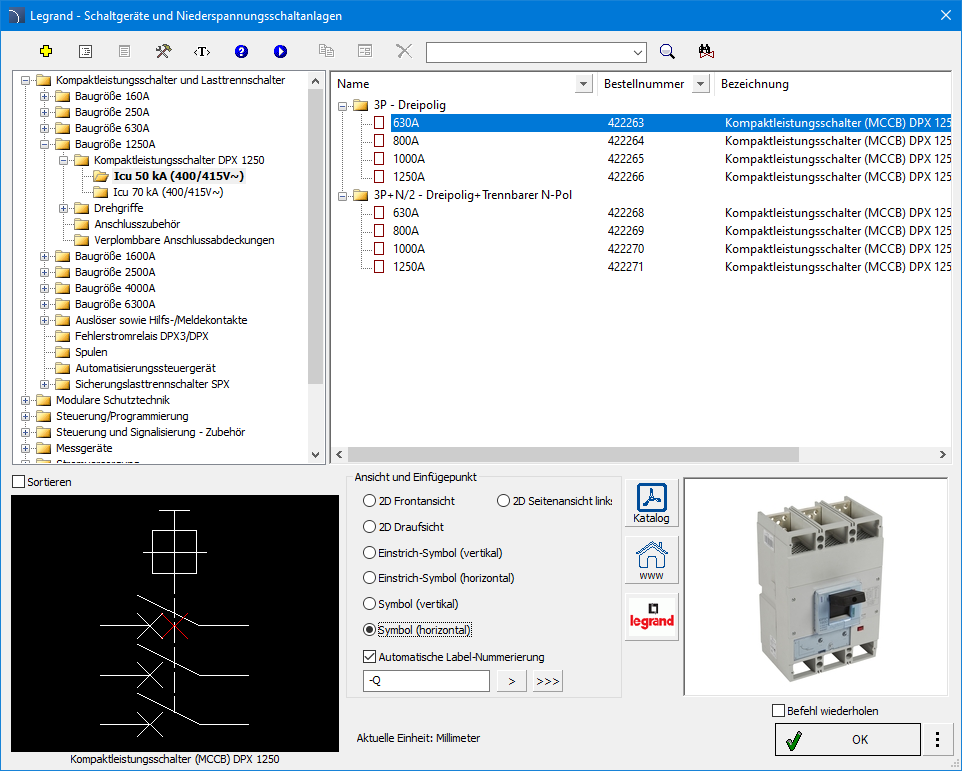

✓ Anpassung an neue CAD-Programmversionen
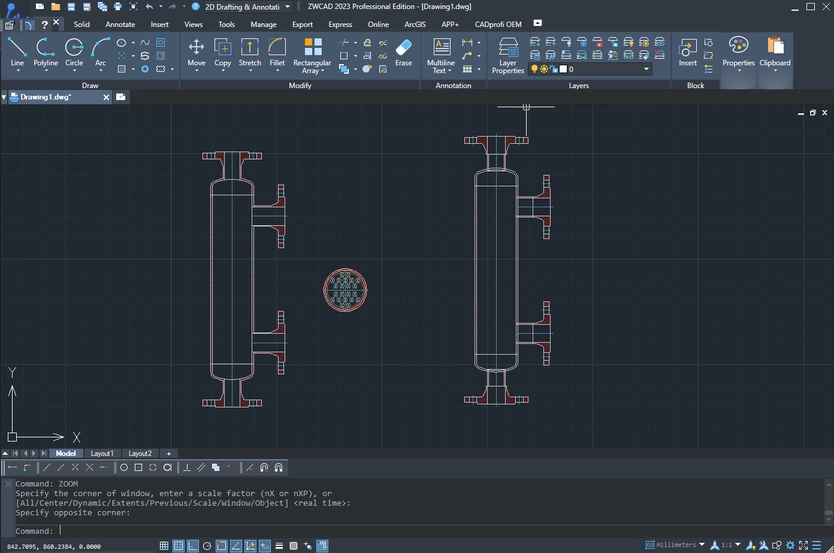
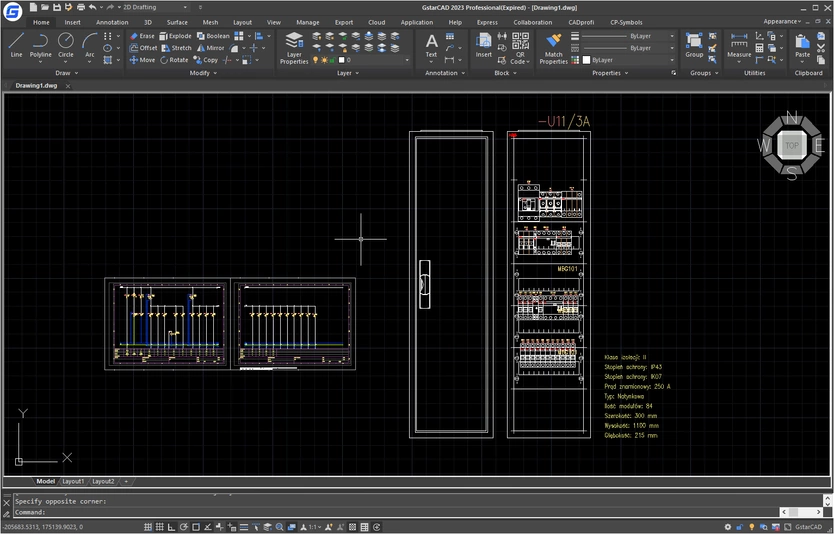
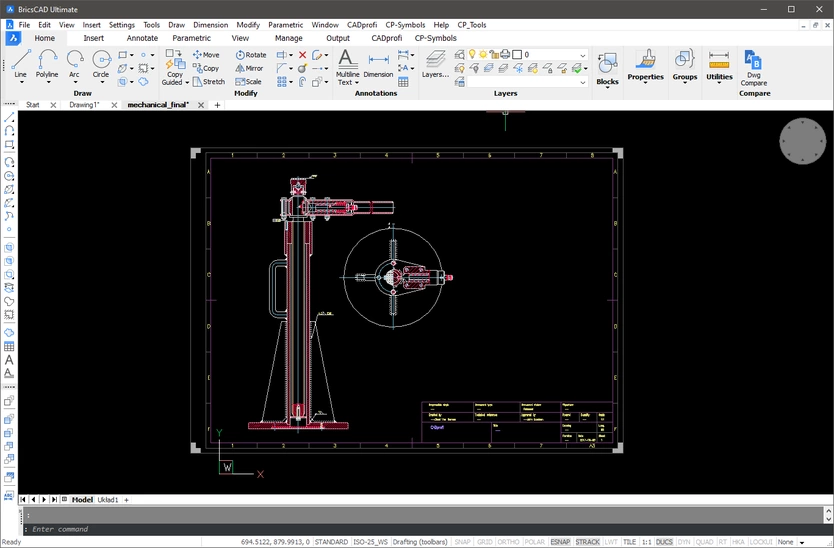
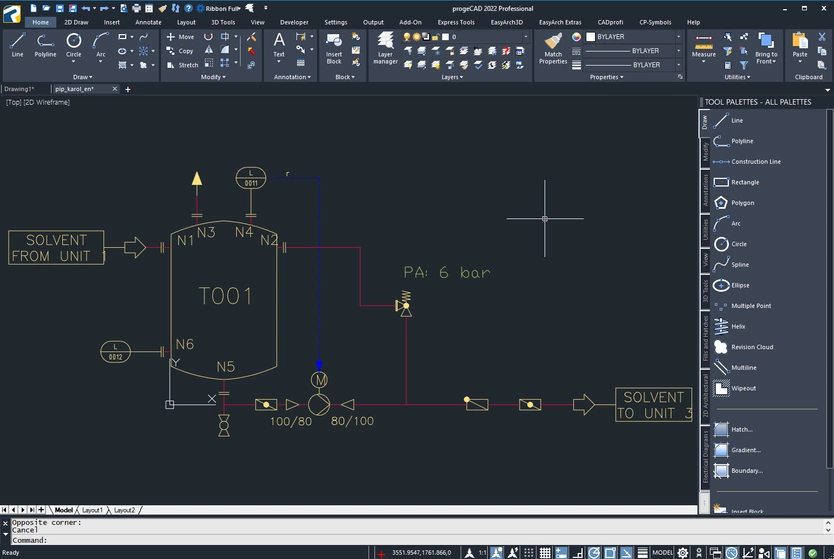
Das Programm CADprofi 2026.11 wurde für die Zusammenarbeit an die neuen Versionen der folgenden Programme angepasst 4M CAD 2026, ACTCAD 2026, AutoCAD 2027, ArCADia 15.1, ARES Commander 2027, CADian 2026, CADdirect 2026, CADOPIA 2025, GstarCAD 2027, Intersoft IntelliCAD 2027, IBS CAD 2025, progeCAD 2027, ZWCAD 2026.
Das Programm CADprofi 2026 ist gegenwärtig für die Arbeit mit einer Vielzahl von CAD-Programmen geeignet, u. a.: AutoCAD (ab Version 2004), ARES Commander 2024, BricsCAD, GstarCAD, IntelliCAD, progeCAD, ZWCAD und anderen.