
All program commands are available in the menu and in the CADprofi OEM toolbar:
The Products library  command allows to select the active library. After
insertion of elements from a given library it is possible to open the dialog
window of the same library by pressing the Previous
library
command allows to select the active library. After
insertion of elements from a given library it is possible to open the dialog
window of the same library by pressing the Previous
library  . Thanks to this the user omits the
manufacturer selection window.
. Thanks to this the user omits the
manufacturer selection window.
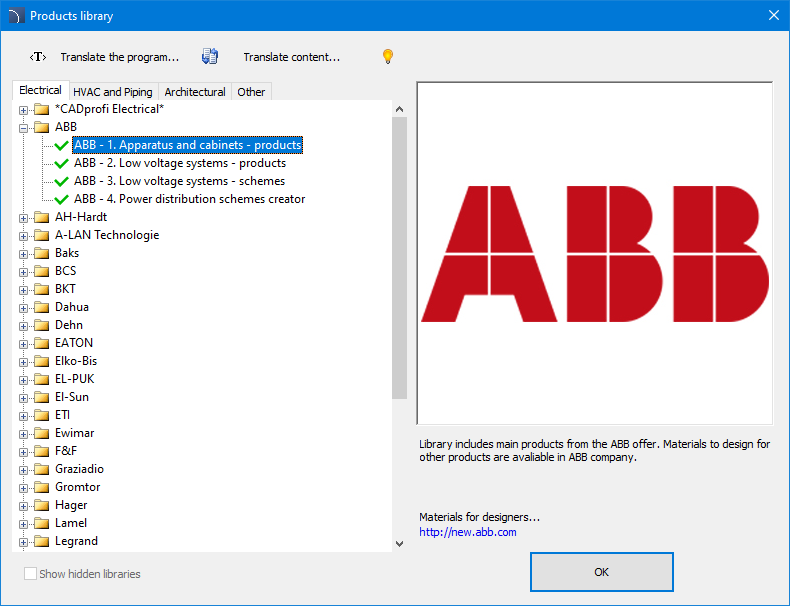
Product library selection window
After selecting the library the dialog window appears, in which we can view the devices or schemes of selected manufacturer. The library structure can be different for each manufacturer, nevertheless the way of handling the objects is similar to work, with standard CADprofi objects that are described in the branch modules.
In the Products library window
there is a possibility to hide ( and
and
 buttons) unused libraries.
Hidden libraries are automatically excluded from the update process.
buttons) unused libraries.
Hidden libraries are automatically excluded from the update process.